Paying for Streaming in Canada: Recurring Charges, Trials and Clean Cancellations
In briefA streaming subscription is a small payment that repeats until you stop it. Here is how that billing works on Canadian cards and accounts, and how to keep it tidy.
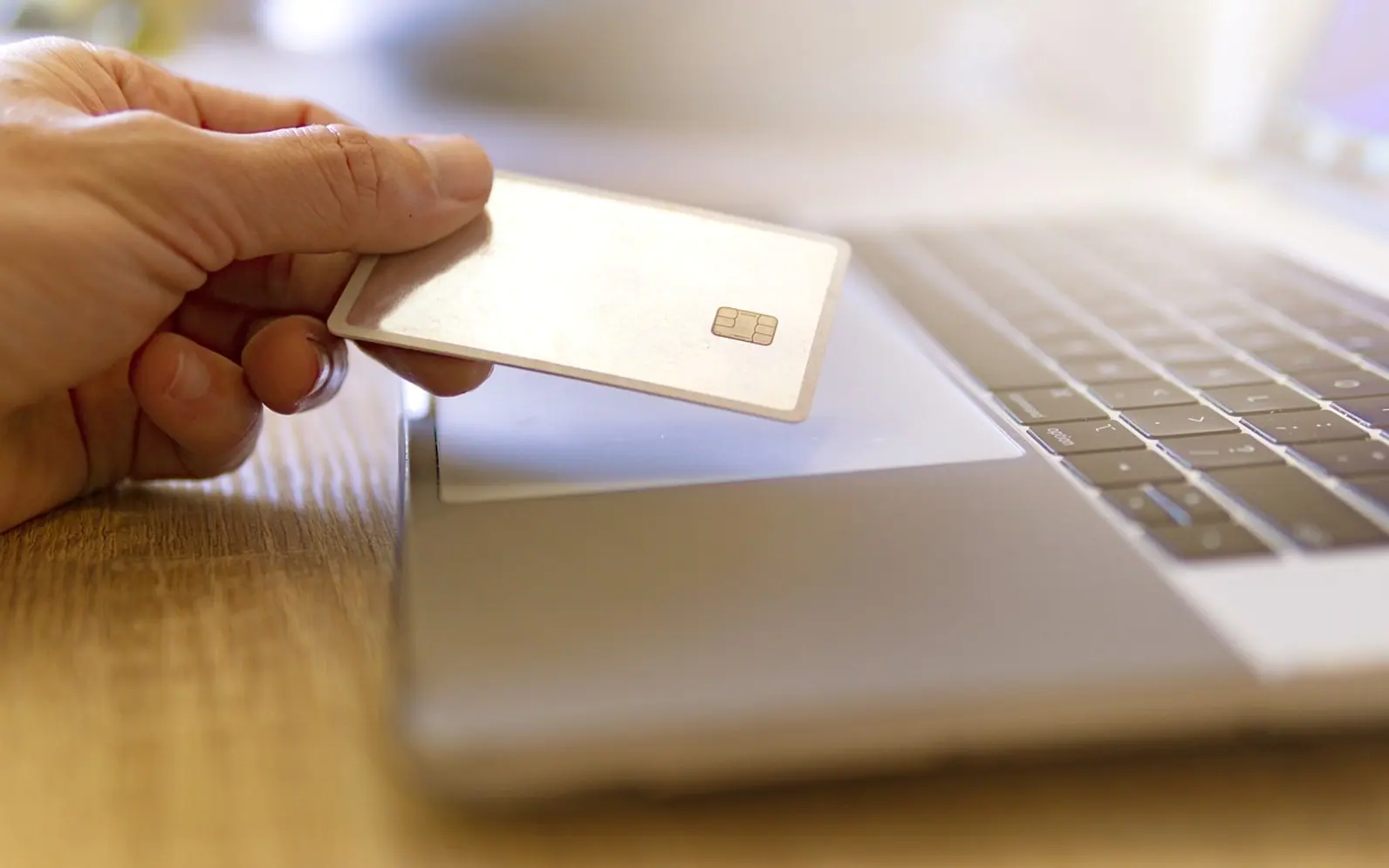
Most of the money people spend on watching sport and shows at home now leaves their account in small, regular amounts. A single monthly charge rarely gets a second look. Three or four of them, renewing on different dates in two currencies, are a different matter. This guide looks at streaming payments the way we look at casino deposits and withdrawals: who takes the money, when, in which currency, and how to stop it.
What a recurring charge really is
When you sign up for a subscription, you are not paying once. You are giving the merchant permission to charge your payment method again on a schedule, usually monthly or yearly, until you withdraw that permission. The terms you accept at checkout describe the amount, the billing date and how to cancel. Those terms matter more than the price on the landing page, because they decide what happens in month two, three and beyond.
A detail that surprises many people: replacing a card does not always end a subscription. Many card issuers pass updated card details to merchants that bill on a schedule, so the charge can follow you to the new card. Cancelling with the service itself is the reliable way to stop it.
How the common payment methods behave
| Method | How recurring billing works | Worth knowing |
|---|---|---|
| Credit card | The merchant charges the card on each billing date | Dispute rights through the issuer if something goes wrong |
| Debit card with a Visa or Mastercard logo | Works much like a credit card for online subscriptions | Money leaves your chequing account directly |
| Pre-authorized debit | You authorize the merchant to pull payments from your bank account | In Canada these follow rules set by Payments Canada, including ways to contest an unauthorized debit |
| App store billing | The phone or TV platform bills you and passes payment on | You usually cancel in the platform's settings, not on the service's website |
| E-wallet | The wallet stores a billing agreement and pays on schedule | Active agreements are often listed in the wallet's settings |
If you have read our comparison of e-wallets, cards and bank transfers, the trade-offs will look familiar. The difference is that a casino deposit is something you start each time, while a subscription keeps going on its own.
Free trials and the switch to paid
Trials are the point where most unwanted charges begin. A typical trial asks for a payment method up front and converts to a paid plan automatically at the end, unless you cancel first. Before you start one, note three things: the exact end date, the price that applies afterwards, and whether cancelling during the trial ends access immediately or at the end of the trial period.
Lists of the best iptv services for Canadian viewers tend to focus on channel line-ups and picture quality, and those are sensible things to compare. The billing page deserves the same attention: how long the plan runs, whether it renews automatically and what the refund terms say. Check what a service actually carries and read its terms before you subscribe.
A simple habit helps: when you start a trial, set a calendar reminder two days before it ends. That leaves time to decide calmly instead of discovering the charge on your statement.
Canadian dollars or US dollars?
Some services price in Canadian dollars, others bill in US dollars even when they sell to Canadian customers. A US-dollar charge is converted by your card issuer, and many Canadian cards add a foreign transaction fee on top of the exchange rate. The result is a monthly amount that shifts slightly with the exchange rate and costs a little more than the sticker suggests. Our article on foreign transaction fees breaks down where those extra costs come from.
Before you subscribe, look for the currency code next to the price at checkout. "$" alone does not tell you which dollar it is.
Receipts and record-keeping
- Keep the confirmation email for every sign-up, plan change and cancellation. It is your evidence if a dispute ever comes up.
- Check the statement descriptor. The name on your card statement is not always the brand name you know, which makes unfamiliar charges harder to recognise.
- Review once a month. A quick scan of recurring lines catches forgotten trials and price changes.
Cancelling cleanly
- Cancel where you subscribed: on the service's website, or in the app store or TV platform if you paid through it.
- Save the cancellation confirmation, or take a screenshot if none is sent.
- Watch the next billing date to make sure no charge appears.
- If a charge does appear after a confirmed cancellation, contact the service first, then your card issuer or bank. Our explainer on chargebacks covers how a card dispute works.
Keep entertainment and gambling payments apart
If you also bet or play at online casinos, it pays to keep those payments separate from your streaming bills. Gambling transactions carry their own merchant category code, and some issuers treat them differently from ordinary purchases, for example as cash advances with fees and interest from day one. Mixing them on one card makes it harder to see what each activity really costs.
A practical split is one card or account for subscriptions and household spending, and a separate, deliberately limited method for any gambling. Some banks also let customers block gambling transactions entirely; we look at how that works in can banks block gambling transactions? Betting rules differ by province, so check what applies where you live, and only ever play with money you have already set aside for entertainment.
A short checklist
Know your billing dates, the currency each service charges in, and where each subscription was set up. With those three facts written down, streaming stays a predictable household cost rather than a slow leak on your statement.